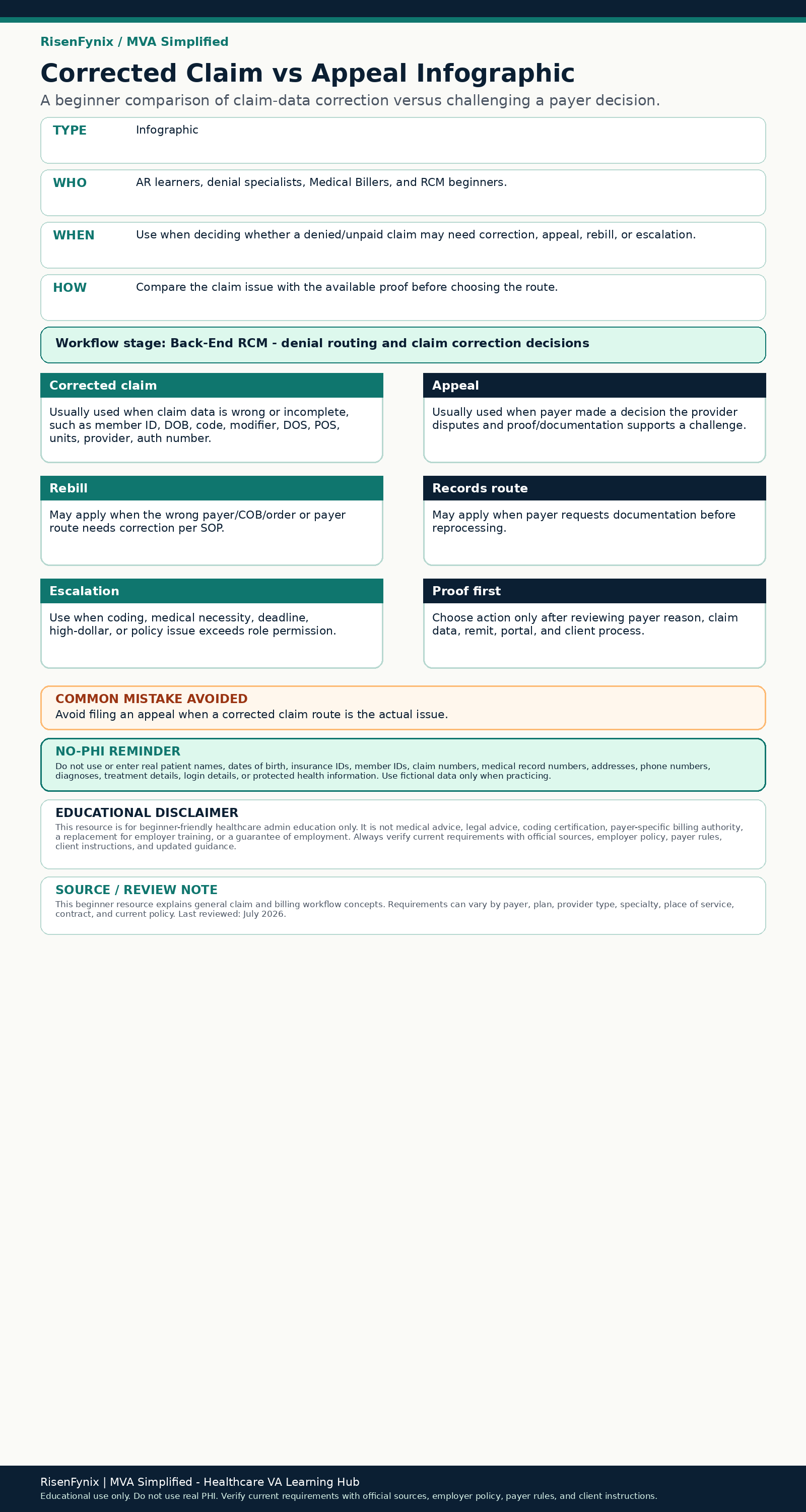
Compare an approved data correction with a supported request for reconsideration. Designed for visual learners and connected to the Correction / Appeal stage.
Infographic
A practical tool for your next safe step.
Compare an approved data correction with a supported request for reconsideration.
Best for
Medical Biller, Medical VA
Where this fits
Correction / Appeal
Time
5–10 minutes
Download
Available now: PNG, PDF
Reviewed files
Download this resource
Choose the format that fits your practice. Use fictional information only and follow current employer, payer, and client requirements in real work.
Compare an approved data correction with a supported request for reconsideration.
Key points
Locate the topic in the workflow.
Separate verified facts from assumptions.
Connect the current step to its upstream source and downstream handoff.
Follow current employer, payer, and role-specific guidance.
Workflow stage
Correction / Appeal
Common mistake prevented
Choosing a route from habit instead of the response and evidence.
Related module
Denial Management
On-page preview
Use the key points above while the accessible image and PDF are reviewed.
No PHI: Do not submit or upload real patient names, dates of birth, insurance IDs, medical record numbers, claim numbers, addresses, phone numbers, or any protected health information.